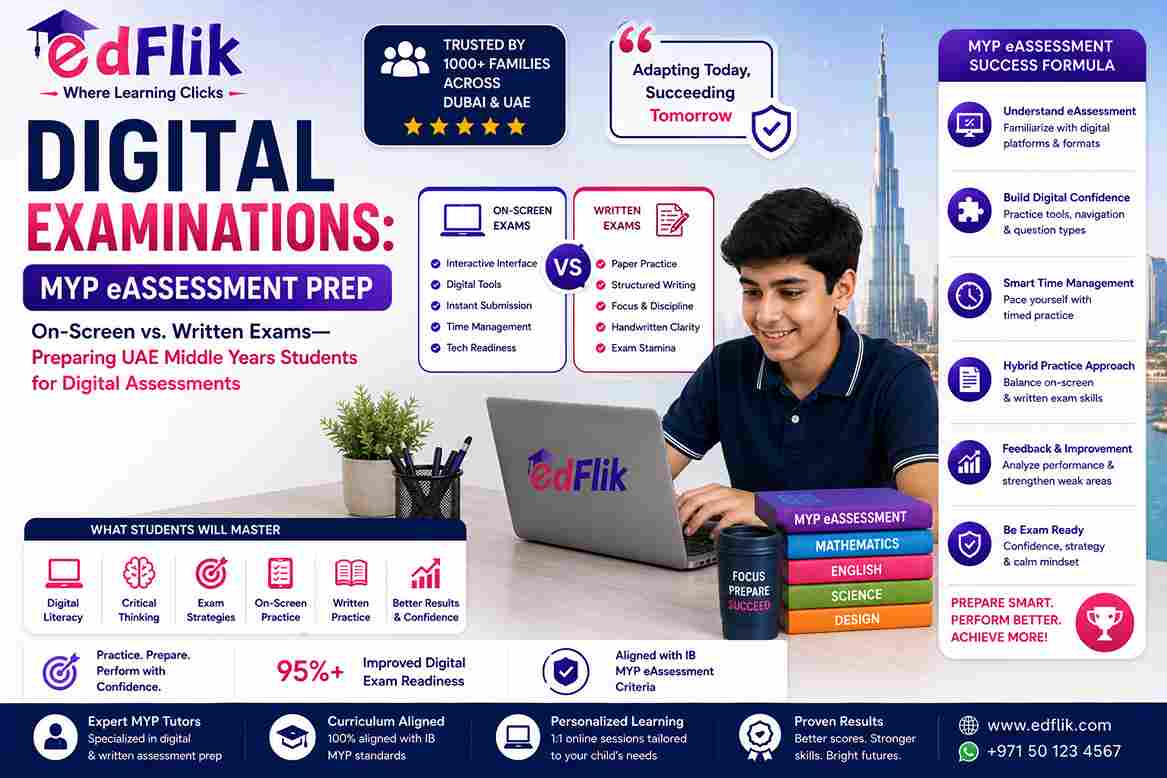
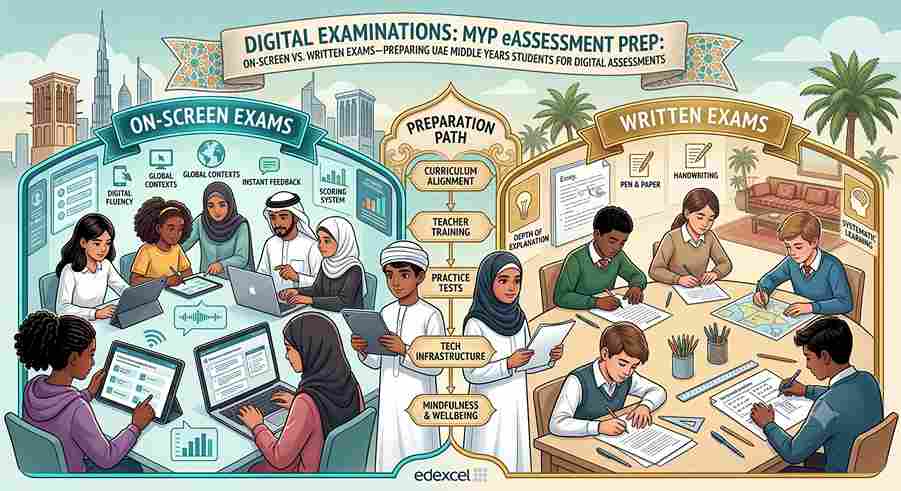
Digital Examinations: MYP eAssessment Prep: On-Screen vs. Written Exams—Preparing UAE Middle Years Students for Digital Assessments
Last Updated: October 2026 | By EdFlik Education Team
For expat families and students living in Dubai, Abu Dhabi, and across the UAE, technology is woven into everyday life. Children grow up swiping through tablets, collaborating on cloud documents, and navigating complex digital interfaces with ease. Naturally, many parents assume that when their children transition to digital school exams, it will be a seamless experience.
However, international school educators across the UAE have noticed a recurring reality: being a "digital native" does not automatically translate to success on high-stakes digital tests.
When students sit down for the official International Baccalaureate (IB) Middle Years Programme (MYP) eAssessments at the end of Year 5 (Grade 10), they face a rigorous, high-pressure digital environment. Shifting away from traditional pen-and-paper examinations to timed, on-screen platforms introduces unique cognitive, technical, and psychological hurdles.
This comprehensive guide explores how MYP eAssessments work, why students struggle with the screen transition, and how targeted preparation can secure top marks.
1. Demystifying the IB MYP eAssessment Format
The International Baccalaureate MYP eAssessment is a comprehensive assessment model for Year 5 students. Rather than relying solely on traditional paper booklets, the system integrates two primary formats:
- On-Screen Examinations (1 hour 45 minutes to 2 hours each): Externally marked digital tests administered by the IB across five core subject groups—Language and Literature, Individuals and Societies, Sciences, Mathematics, and Interdisciplinary Learning.
- ePortfolios & Internally Assessed Projects: Digital submissions for Arts, Design, Physical and Health Education, and the mandatory Personal Project.
What On-Screen Exams Actually Look Like
These are not simple static PDF documents displayed on a computer screen. They are dynamic, multimedia-rich interactive platforms where students must:
- Analyze embedded video clips, audio tracks, and interactive geographical maps.
- Interact with live data simulations, drop-down menus, and multi-tab resource booklets.
- Utilize on-screen graphing tools, geometry software, and specialized digital formula editors.
2. The Hidden Cognitive Trap: Why "Digital Natives" Struggle
While students are comfortable using devices for casual tasks, academic testing under strict time limits creates specific performance bottlenecks:
                  THE DIGITAL EXAM PERFORMANCE BOTTLENECK
┌────────────────────────────────────────────────────────────────────────┐
│ 1. THE TYPING VS. THINKING GAP                                         │
│    Stream-of-consciousness typing replaces structured planning.       │
├────────────────────────────────────────────────────────────────────────┤
│ 2. SCREEN FATIGUE & COGNITIVE LOAD                                     │
│    Staring at backlit screens for 2 hours while parsing data triggers  │
│    premature mental exhaustion.                                        │
├────────────────────────────────────────────────────────────────────────┤
│ 3. MULTI-TAB NAVIGATION ANXIETY                                        │
│    Wasting precious minutes hunting for hidden source tabs and         │
│    resource documents instead of solving problems.                     │
└────────────────────────────────────────────────────────────────────────┘
The Typing vs. Thinking Gap
When writing by hand, physical speed naturally forces students to pause, outline, and structure their arguments carefully. On a keyboard, students often type raw thoughts instantly without organizing paragraphs. Without proper digital essay training, essays become disjointed and lose vital marks under rubric criteria.
Screen Fatigue and Digital Overload
Staring into a backlit display for a consecutive two-hour block while reading complex source texts and analyzing dense data charts causes visual strain much faster than reading physical paper. Students frequently miss critical qualifiers buried within secondary tabs or scroll bars.
3. Subject-Specific Digital Hurdles in the Classroom
Different subject groups present unique technical challenges during on-screen assessments:
Mathematics & Extended Mathematics
Typing complex algebraic equations, fractions, matrices, and geometric proofs using an unfamiliar on-screen symbol selector requires a different cognitive effort than scratching calculations out on rough paper. Students lose valuable time if they have not mastered the keyboard shortcuts and digital math widget tools.
Sciences (Biology, Chemistry, Physics, Integrated Sciences)
Science eAssessments test practical experimental analysis through digital simulations. Students must interpret animated data sets, analyze variables, and evaluate data reliability from a screen rather than conducting physical lab experiments or reviewing static textbook diagrams.
Individuals and Societies (Humanities)
The source booklet for Individuals and Societies often contains dozens of pages spanning historical photographs, economic graphs, and conflicting journalistic accounts. Navigational efficiency is critical; students who lack digital skimming skills quickly run out of time.
4. A Step-by-Step Action Plan for UAE Middle Years Students
Preparing students for digital eAssessments requires moving beyond standard content revision and focusing heavily on software literacy, screen stamina, and strategic workflow:
- Simulate the Locked Environment: Do not let the official exam be the first time your child sits through a timed, full-screen assessment with notifications disabled. Practice with official past digital papers under exact exam constraints.
- Master the Digital Toolkit: Ensure students are entirely comfortable using copy-paste shortcuts, data drag-and-drop functions, and digital graph-plotting tools before exam season arrives.
- Use Scratch Paper Strategically: Even though the exam is on-screen, schools provide blank paper for rough workings. Train students to map out essay outlines, math logic trees, and science variable tables on paper before typing their final answers.
- Build Screen Stamina: Schedule regular 2-hour digital mock blocks to train the brain and eyes to maintain high concentration levels without physical or mental burnout.
Frequently Asked Questions
What are IB MYP eAssessments?
MYP eAssessments are externally marked digital on-screen examinations and internally assessed ePortfolios completed by students at the end of the IB Middle Years Programme (Year 5 / Grade 10).
Why do digital native students struggle with on-screen exams?
While students are comfortable using devices socially, high-stakes academic testing requires complex software navigation, managing multi-tab resource booklets, typing structural essays under strict time constraints, and handling screen fatigue.
Which subjects are tested via on-screen examinations in the MYP?
On-screen external exams cover Language and Literature, Individuals and Societies, Sciences, Mathematics, and Interdisciplinary Learning.
How can UAE students effectively prepare for their digital eAssessments?
Students should practice using official past digital papers in locked-down environments, master digital equation editors, use scratch paper strategically for planning, and build screen stamina through timed mock tests.
Ready to support your child's transition to digital exams? Connect with expert online subject mentors at EdFlik to build custom exam strategies today.